The gaming mouse market is filled with countless options, yet only a few products achieve long-term popularity and trust among gamers. One such standout is the Razer Deathadder, a device that has consistently delivered comfort, precision, and reliability over the years. From casual players to competitive esports professionals, this mouse has earned a reputation as both accessible and high-performing.
This comprehensive guide explores everything you need to know about this iconic gaming mouse, including its features, ergonomic design, gaming performance, and why it continues to dominate the market. By the end, you’ll understand whether it’s the right choice for your setup and gaming style.
It also takes a closer look at its build quality, sensor technology, customization options, and the differences between various models available in the series. In addition, the guide highlights real-world usage scenarios, helping you understand how it performs across different gaming genres and everyday tasks.
| Category | Details | Key Insights |
| Product Name | Razer DeathAdder | Popular ergonomic gaming mouse series |
| Design Type | Right-handed ergonomic design | Enhances comfort and natural grip |
| Grip Styles | Palm and Claw | Suitable for most gamers |
| Sensor Type | Optical sensor | High accuracy and precision tracking |
| DPI Range | Up to 20,000+ (varies by model) | Adjustable sensitivity for different games |
| Buttons | 5–8 programmable buttons | Customizable controls |
| Build Quality | Durable plastic with textured sides | Long-lasting and reliable |
| Switch Durability | Up to 70 million clicks | Extended lifespan |
| Connectivity | Wired and Wireless options | Flexible usage |
| Weight | Lightweight design | Faster movement and control |
| Polling Rate | Up to 1000 Hz | Fast response time |
| RGB Lighting | Yes (Razer Chroma) | Customizable aesthetics |
| Software Support | Razer Synapse | Advanced customization features |
| Gaming Performance | High precision and low latency | Ideal for competitive gaming |
| Comfort Level | High ergonomic support | Reduces fatigue during long sessions |
| Compatibility | Windows and macOS | Wide platform support |
| Ideal Users | Gamers, streamers, professionals | Versatile usage |
| Key Advantage | Comfort + performance balance | Reliable for long sessions |
| Main Drawback | Not ideal for left-handed users | Limited ambidextrous support |
| Overall Value | Strong long-term investment | Trusted by the gaming community |
Overview of Razer DeathAdder
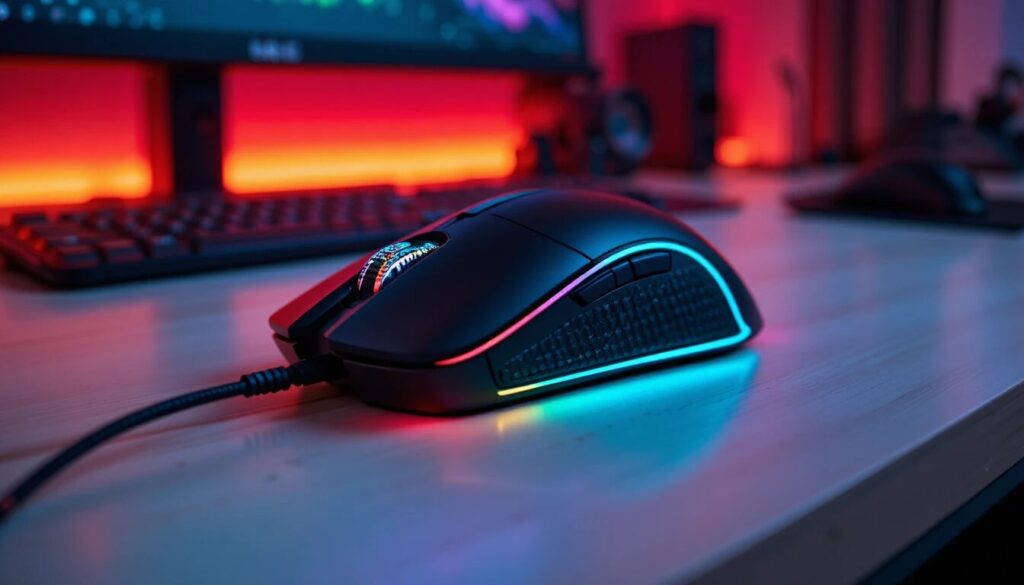
The Razer Deathadder is a gaming mouse series designed with a strong focus on ergonomics and performance. It has evolved through multiple generations, each improving upon sensor accuracy, build quality, and user comfort.
Key Highlights
- Ergonomic right-handed design
- High-precision optical sensors
- Durable mechanical switches
- Lightweight yet sturdy construction
- Customizable buttons and DPI settings
This combination makes it suitable for both beginners and experienced gamers who demand reliability and comfort.
Evolution and Design Philosophy
The success of this mouse is rooted in its design philosophy. Instead of chasing flashy aesthetics alone, the brand focused on creating a shape that naturally fits the human hand. Over the years, the design has remained consistent, with subtle improvements rather than drastic changes. This consistency ensures that long-time users can upgrade without needing to relearn their grip or playstyle.
Design Improvements Over Time
- Enhanced sensor technology for better tracking
- Improved grip materials for better control
- Reduced weight for faster movement
- Stronger switches for increased durability
This evolutionary approach has helped maintain its identity while staying competitive in a fast-changing market.
Ergonomic Design: Built for Comfort

One of the defining features of this mouse is its ergonomic shape. Unlike many gaming mice that emphasize aggressive styling, this model is carefully designed to support a natural hand position, making it more comfortable during extended use.
Ergonomics play a crucial role in gaming because sessions can last for hours, and poorly designed peripherals can lead to discomfort or even long-term strain. A well-structured mouse helps reduce fatigue while improving overall control and precision.
In practical use, the ergonomic design provides natural palm support, allowing users to maintain a relaxed hand position even during long sessions. It also reduces wrist strain during gameplay, which is especially important for competitive players who require consistent performance.
Features and Technical Specifications
Understanding the technical aspects is essential to evaluating real-world performance. The mouse offers a range of features that enhance both usability and precision.
Core Features
- High DPI optical sensor for accurate tracking
- Adjustable sensitivity levels
- Programmable buttons for customization
- Onboard memory for saving profiles
- RGB lighting for personalization
These features combine to deliver a seamless gaming experience across different genres.
Technical Specifications Table
| Category | Details | Key Insights |
| Sensor Type | Optical Sensor | Accurate and reliable tracking |
| DPI Range | Up to 20,000+ (varies by model) | High sensitivity for precision |
| Buttons | 5–8 Programmable Buttons | Customizable controls |
| Weight | Lightweight design | Faster movement and control |
| Connectivity | Wired / Wireless options | Flexible usage |
| Switch Durability | Up to 70 million clicks | Long lifespan |
| Grip Style | Palm / Claw | Comfortable for most users |
| RGB Lighting | Yes | Customizable aesthetics |
| Onboard Memory | Available | Saves user profiles |
| Compatibility | Windows / macOS | Wide system support |
| Build Material | High-quality plastic | Durable construction |
| Polling Rate | Up to 1000 Hz | Fast response time |
| Cable Type | Braided / Speedflex | Smooth movement |
| Software Support | Dedicated customization software | Enhanced control |
| Ideal Use | Gaming and productivity | Versatile performance |
Gaming Performance: Precision and Speed
Performance is where this mouse truly shines. It is designed to deliver consistent and accurate tracking, which is critical in competitive gaming.
Performance Advantages
- Smooth cursor movement across surfaces
- Minimal input lag
- High tracking accuracy for FPS games
- Reliable performance in fast-paced scenarios
Whether you are playing first-person shooters, MOBAs, or strategy games, the mouse delivers a stable, responsive experience.
Build Quality and Durability

Durability is another area where this mouse truly excels. Built with high-quality materials, it is designed to handle heavy daily use without compromising performance. The strong outer shell resists wear and tear over time, while the durable switches are rated for millions of clicks, ensuring long-lasting responsiveness.
In addition, the high-quality scroll wheel mechanism delivers consistent, smooth operation, even during intense gaming sessions. Depending on the model, it also features either a reinforced cable for added strength or a reliable wireless design for convenience and flexibility.
Wired vs Wireless Variants
| Category | Wired Models | Wireless Models |
| Connection | Stable and consistent connection | Low-latency wireless connection |
| Power Source | No need for charging | Requires a battery or charging |
| Setup | Simple plug-and-play | Clean and clutter-free setup |
| Movement | Limited by cable length | Greater freedom of movement |
| Cost | Generally more affordable | Usually more expensive |
| Convenience | No interruptions from the battery | Advanced battery efficiency |
| Ideal For | Competitive gamers prefer stability | Users want flexibility and minimal cables |
Advantages and Disadvantages
Understanding both strengths and limitations helps in making an informed decision.
Key Advantages
The mouse offers excellent ergonomics, making it comfortable for long gaming sessions. Its high-precision sensor ensures accurate tracking, while customizable features provide flexibility for different gaming styles. Additionally, its durable build quality ensures long-term use, and its consistent performance makes it reliable across various game genres.
Notable Disadvantages
Despite its strengths, it may not be ideal for left-handed users due to its right-handed design. Some models can feel slightly large for users with smaller hands. Additionally, premium versions can be more expensive than entry-level gaming mice.
Who Should Buy This Mouse?
This gaming mouse is suitable for a wide range of users, including:
- Competitive gamers seeking precision
- Casual players looking for comfort
- Content creators need reliable control
- Users upgrading from basic mice
Its versatility makes it a strong option for different use cases.
Why It Remains a Top Choice
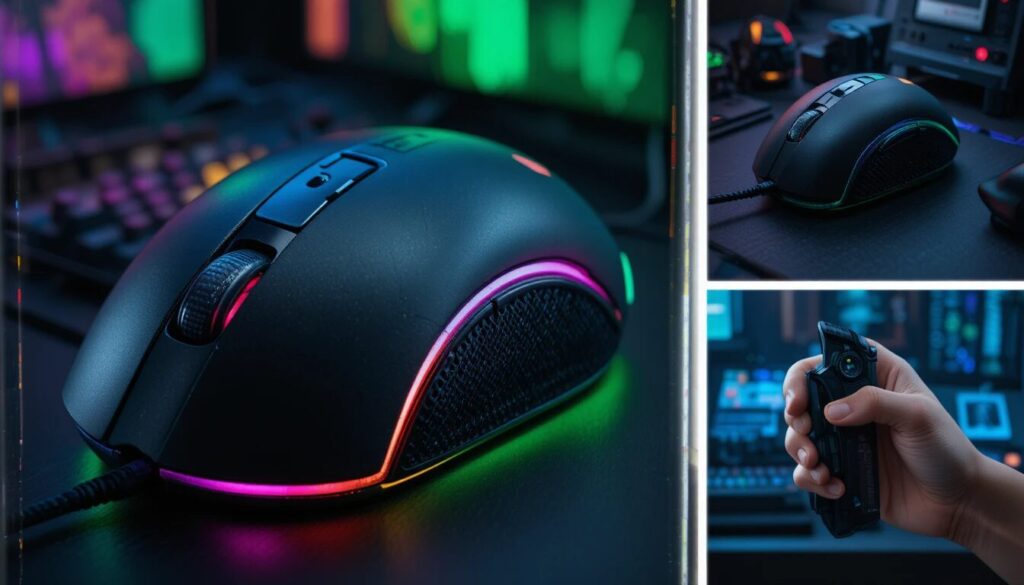
The continued popularity of this mouse is no coincidence. It combines comfort, performance, and reliability in a way that appeals to a broad audience.
Reasons for Its Popularity
- Proven ergonomic design
- Consistent performance across generations
- Strong brand reputation
- Wide availability and model options
- Trusted by gamers worldwide
This balance of features ensures that it remains relevant even as new competitors enter the market.
Conclusion
The Razer Deathadder stands as one of the most reliable and well-rounded gaming mice available today. Its ergonomic design, strong performance, and durable build make it a favorite among gamers of all levels.
While newer models and competitors continue to emerge, this mouse maintains its position by focusing on what truly matters: comfort, precision, and reliability. For anyone seeking a dependable gaming mouse that delivers consistent results, it remains a compelling choice.
Want to know about Why Photo to Video Conversion is the Next Big Trend in Digital Marketing Check out our Tech category.
FAQs
It is best suited for palm and claw grip styles. The ergonomic shape provides natural hand support, making it comfortable for extended sessions.
No, it can function as a standard mouse without software. However, installing the software allows you to customize DPI settings, buttons, and lighting for a better experience.
With proper care, it can last for several years. The switches are designed for millions of clicks, ensuring durability over time.
You should consider your hand size, grip style, budget, and whether you prefer a wired or wireless setup. These factors will help you choose the most suitable version.