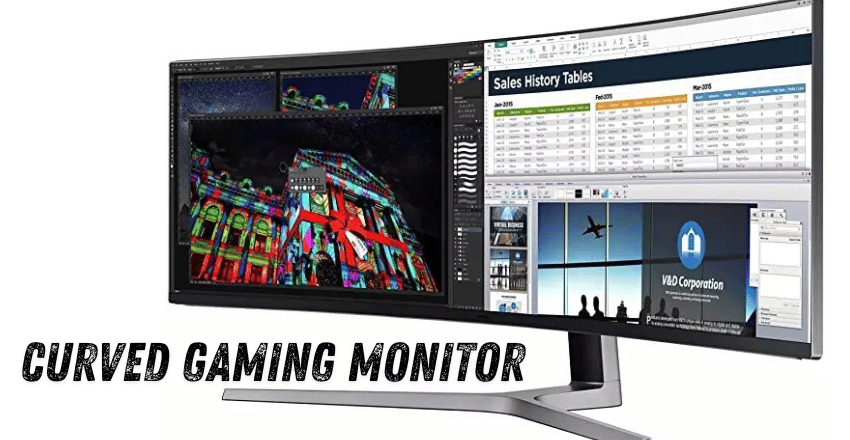
A curved gaming monitor is an advanced display that enhances immersion, visual comfort, and overall gaming performance by gently bending the screen inward toward the viewer. This curvature is designed to match the natural shape of the human eye, allowing players to experience a more realistic and engaging field of view than traditional flat monitors.
These monitors have become extremely popular in modern gaming setups because they improve depth perception, reduce eye fatigue, and create a more cinematic viewing experience. From competitive exports to immersive open-world adventures, curved monitors are now widely used across gaming environments and professional productivity setups.
This design is especially effective for large and ultrawide screens, where it delivers a cinematic feel and keeps the focus centered on the action, making it a popular choice for gamers seeking both performance and immersion.
| Section | Key Points |
| Definition | Curved gaming monitors feature an inward bend designed to match human eye vision for better immersion and comfort |
| Purpose | Improve immersion, depth perception, and reduce eye strain during long usage |
| Curvature Levels | 1000R (most immersive), 1500R (balanced), 1800R (mild and comfortable) |
| Immersion | Wraps visuals around the field of view for a more realistic gaming experience |
| Eye Comfort | Reduces eye movement and fatigue, making long sessions easier |
| Gaming Performance | High refresh rates (120Hz–240Hz+), fast response times (1ms), smoother gameplay |
| Sync Technology | Supports AMD FreeSync and NVIDIA G-Sync to remove tearing and stuttering |
| Panel Types | VA (contrast), IPS (color accuracy), OLED (premium quality) |
| Resolutions | 1080p (budget), 1440p (balanced), Ultrawide (immersive), 4K (premium detail) |
| Advantages | Better immersion, eye comfort, depth perception, modern design, ultrawide support |
| Disadvantages | Higher cost, limited group viewing, possible edge distortion, less ideal for precision work |
| Comparison | More immersive than flat monitors, but less suited for professional accuracy tasks |
| Ideal Uses | Gaming (FPS, racing, open-world), simulation, streaming, multitasking, entertainment |
What Is a Curved Gaming Monitor?
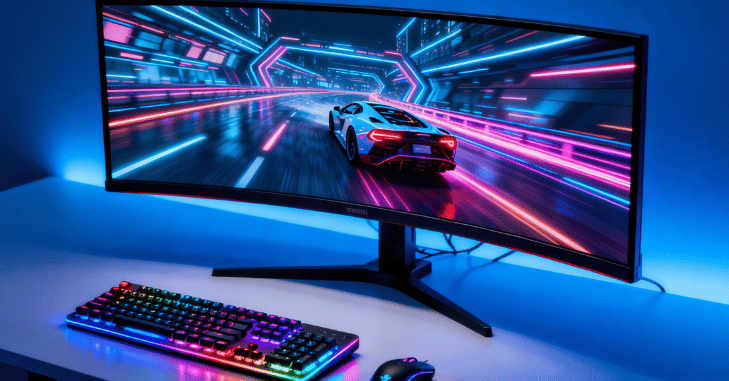
A curved gaming monitor is a modern display technology that features a gentle inward bend across the screen, measured in curvature ratings such as 1000R, 1500R, or 1800R, where a lower number indicates a more pronounced curve. This design is based on the natural shape of human vision, aiming to wrap the display slightly around the user’s field of view to create a more comfortable and immersive viewing experience.
By doing so, it reduces visual distortion at the edges of the screen and helps maintain consistent focus across the entire display, making the screen feel larger, deeper, and more engaging during gameplay. This effect becomes even more noticeable on larger screens and in ultrawide formats.
Flat monitors often struggle to maintain uniform visual clarity and can appear stretched or less immersive at the edges. As a result, curved monitors deliver a more cinematic and realistic experience, especially in gaming environments where immersion and spatial awareness are important.
Curvature Levels Explained
1000R Curvature
This is the most aggressive and immersive curve available in gaming monitors. It closely matches the natural curve of the human eye, creating a deeply immersive experience. Best for simulation games, racing games, and cinematic gameplay.
1500R Curvature
This provides a balanced experience between immersion and usability. It is less intense than 1000R but still offers noticeable depth and comfort. Best for mixed gaming and productivity use.
1800R Curvature
This is a mild curve that offers subtle immersion while still maintaining a natural and comfortable viewing experience for everyday use. It gently enhances the sense of depth without being too aggressive, making it easy for users to adapt even if they are new to curved displays.
Immersive Gaming Experience
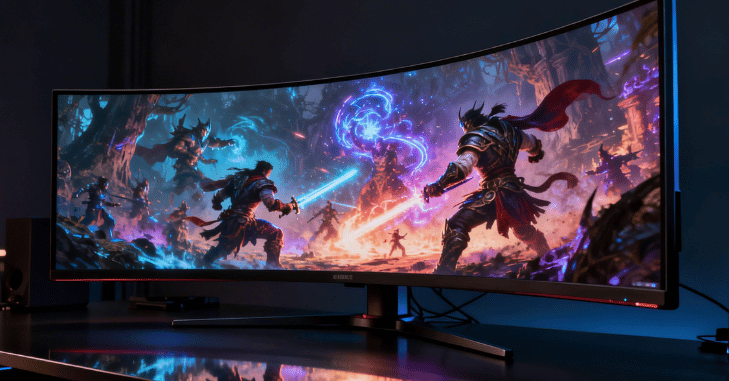
- Curved gaming monitors are designed to enhance immersion by wrapping the image. Curved gaming monitors wrap visuals around your field of view for better immersion
- Creates a stronger sense of depth, making games feel more realistic and engaging
- Especially effective in racing games where the track appears to surround the player
- Enhances first-person shooters by improving peripheral vision awareness
- Improves open-world games by making environments feel larger and more natural
- Keeps attention centered on gameplay for improved performance and experience
Visual Comfort and Eye Strain Reduction
One of the biggest advantages of curved monitors is improved eye comfort during extended use. Because the screen is designed with a gentle inward curve toward the viewer, the distance between the eyes and every part of the display becomes more uniform, creating a more natural viewing experience.
This design reduces the need for constant eye movement across the screen, which helps in lowering eye strain during long gaming sessions, work tasks, or browsing activities. It also minimizes overall fatigue and allows for smoother and more natural focus transitions when shifting attention between different areas of the screen.
Performance Features in Gaming Monitors
| Refresh Rate | Description | Gaming Benefit |
| 120Hz | Entry-level high refresh rate | Smoother visuals than standard 60Hz |
| 144Hz | Most common gaming standard | Balanced smoothness and performance |
| 165Hz | Slightly upgraded performance tier | More fluid motion in fast-paced games |
| 240Hz and above | Premium competitive level | Ultra-smooth gameplay with minimal lag |
Fast Response Time
Most gaming-focused curved monitors feature extremely low response times, often as fast as 1ms, which significantly improves overall visual performance during gameplay. This fast response rate helps reduce common display issues such as motion blur, ghosting effects, and input delay, ensuring that fast-moving scenes remain clear and sharp.
As a result, players experience smoother transitions, more accurate visuals, and better responsiveness, which is especially important in competitive and fast-paced gaming environments.
Adaptive Sync Technology
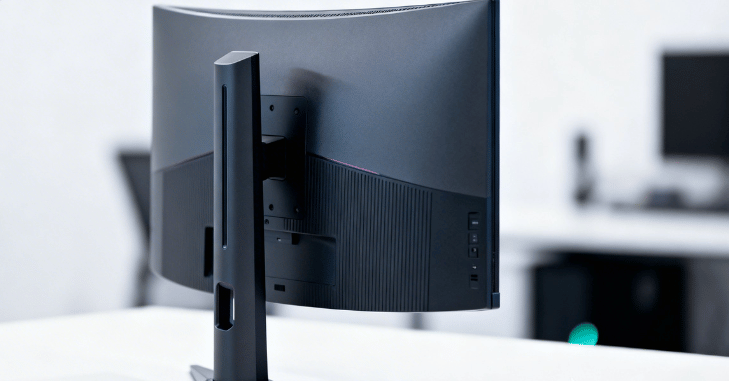
Curved gaming monitors commonly support advanced synchronization technologies such as AMD FreeSync and NVIDIA G-Sync, which are designed to significantly enhance overall gaming performance and visual stability. These technologies work by dynamically matching the monitor’s refresh rate with the frame output of the graphics card, ensuring that both operate in perfect sync during gameplay.
This process helps eliminate common visual issues such as screen tearing, stuttering, and frame rate mismatches, which can disrupt smooth gameplay and reduce immersion. By removing these inconsistencies, the experience becomes noticeably more fluid and responsive, especially in fast-paced or competitive games where every millisecond matters.
Panel Types Used in Curved Monitors
VA Panels
- Known for high contrast and deep blacks
- Most used in curved displays
- Great for immersive gaming environments
IPS Panels
- Better color accuracy and wider viewing angles
- Ideal for content creation and mixed usage
- Slightly less contrast compared to VA panels
OLED Panels
- Premium display technology
- Perfect black levels and extremely high contrast
- Expensive but offers top-tier visual quality
Resolution Options
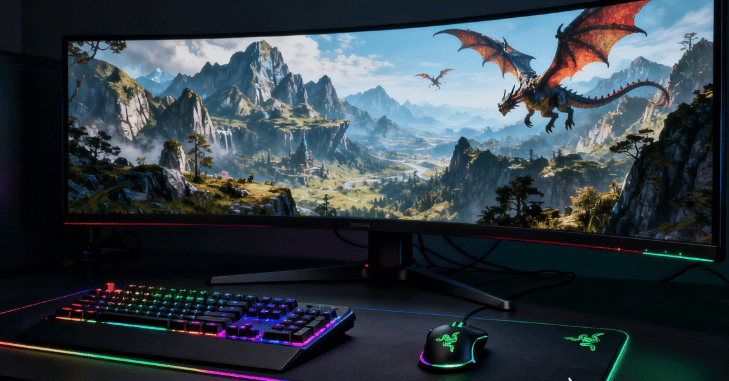
Curved gaming monitors are available in a variety of resolutions depending on the user’s performance needs and budget. Full HD 1080p models are generally suitable for budget-friendly gaming setups, offering decent performance for casual players. Quad HD 1440p monitors provide a balanced mix of sharp visual quality and smooth performance, making them a popular choice among gamers.
Ultra-wide resolutions further enhance the experience by delivering an expanded field of view, which greatly improves immersion in games and multitasking scenarios. At the higher end, 4K UHD curved monitors offer extremely detailed and premium-quality visuals for users who prioritize top-tier image clarity. When combined with the natural curvature of the display.
Advantages of Curved Gaming Monitors
- Better immersion in games and media
- More natural viewing experience for the human eye
- Reduced eye strain during long usage
- Improved depth perception in 3D environments
- Stylish and modern aesthetic for gaming setups
- Excellent compatibility with ultrawide screens
Disadvantages of Curved Gaming Monitors
- Higher cost compared to flat monitors
- Not ideal for group viewing situations
- May cause slight distortion at extreme viewing angles
- Wall mounting options can be limited depending on the design
- Less suitable for precision-based design and technical work
Curved vs Flat Monitors Comparison
| Feature | Curved Monitors | Flat Monitors |
| Immersion | Higher immersion with a wider field of view | Standard immersion level |
| Eye Comfort | Better for long sessions, reduced strain | Normal comfort level |
| Cost | Usually more expensive | More affordable |
| Best Usage | Single-user gaming setups | Group viewing and shared use |
| Gaming Experience | More immersive for modern games | Balanced and traditional experience |
| Professional Work | Less ideal for precision tasks | Preferred for design and accuracy work |
Ideal Uses for Curved Gaming Monitors
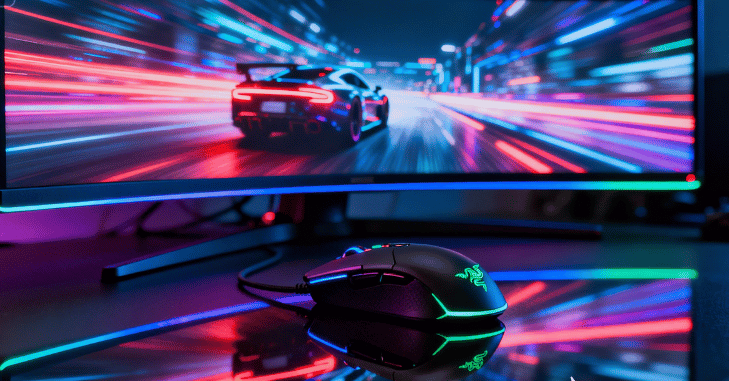
- Curved gaming monitors are best suited for competitive gaming setups
- Ideal for racing and simulation games that require strong immersion
- Excellent for open-world gaming experiences with a wider field of view
- Perfect for multitasking and ultrawide productivity workflows
- Great for streaming and entertainment setups with cinematic visuals
- Suitable for long-duration screen usage due to improved comfort
- Less ideal for precise technical drawing and design work
Conclusion
Curved gaming monitors represent a major advancement in modern display technology by combining immersive design, improved visual comfort, and high-performance features. Their inward curved structure enhances depth perception and creates a more engaging viewing experience that closely aligns with natural human vision.
While they may not be the perfect choice for every professional or shared environment, they excel in gaming, entertainment, and productivity scenarios where immersion and comfort are priorities. For users looking to upgrade their setup to a more modern, visually appealing, and immersive experience.
Want to know about How Long Should You Keep Old Files? A Practical Retention Guide for IT Teams Check out our Tech category.
FAQs
A curved gaming monitor is a display with an inward bend designed to match the natural shape of human vision. It enhances immersion, improves depth perception, and provides a more comfortable viewing experience compared to flat monitors.
1000R offers the most immersive experience, 1500R provides a balance between immersion and comfort, while 1800R delivers a mild curve that is best for everyday use and casual gaming.
Yes, curved monitors are excellent for gaming because they improve immersion, reduce eye strain, and enhance gameplay in genres like racing, FPS, and open-world games.
Yes, curved monitors reduce eye strain by keeping all parts of the screen at a more uniform distance from the eyes, which helps minimize constant eye movement and fatigue during long sessions.
A 144Hz or 165Hz refresh rate is ideal for most gamers, while 240Hz and above is preferred for competitive gaming due to smoother motion and lower input lag.
Curved monitors are better for immersion and single-user gaming setups, while flat monitors are more suitable for professional design work, group viewing, and budget-friendly use.