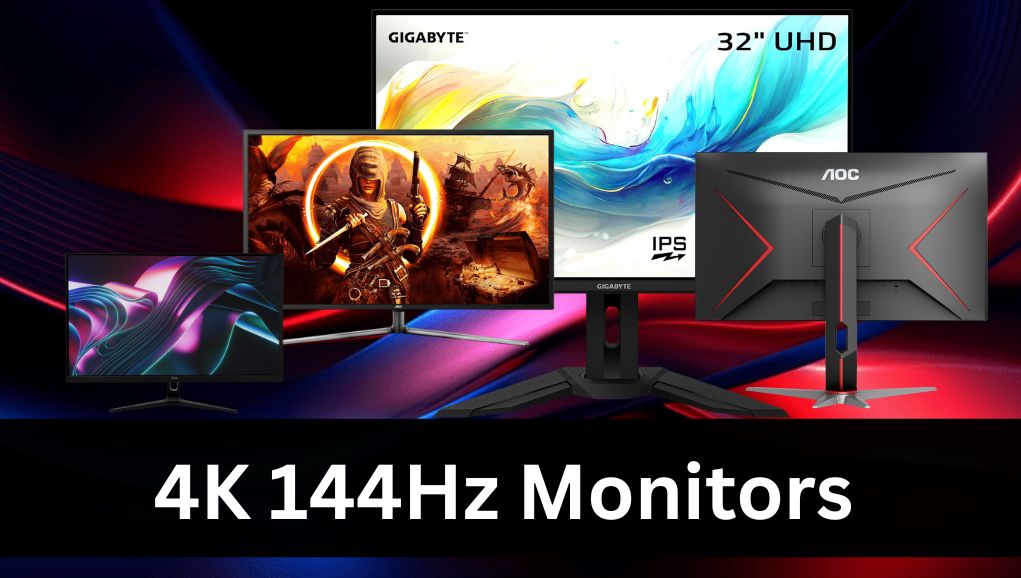
4K 144Hz monitors are becoming the leading choice for fast, sharp displays, and monitors now set the standard for modern visual performance. This guide explores their evolution, highlighting features such as 3840×2160 resolution, 1ms response times, high brightness, and advanced ports like HDMI 2.1.
Models such as the LG 27GN950-B, Dell G3223Q, and OLED versions demonstrate how these screens improve gaming, productivity, and color accuracy. Today, 4K 144Hz monitors continue to shape display quality, and many users rely on them for smoother motion and long-term visual clarity.
| Monitor Name | Resolution | Quality (Panel + Visuals) | FPS / Performance | Connectivity | Estimated Cost |
| LG 27GN950-B | 3840×2160 (4K) | Nano IPS, strong brightness, accurate colors | Smooth high-fps, 1ms response | DisplayPort 1.4, HDMI | £691–£891 |
| Dell G3223Q | 3840×2160 (4K) | IPS panel, bright, wide viewing angles | Low input lag, stable high-fps | HDMI 2.1, DisplayPort | £591–£791 |
| Gigabyte M32U | 3840×2160 (4K) | IPS panel, strong contrast, deep color depth | Adaptive Sync, 1ms speed | HDMI 2.1, DP 1.4, USB-C, USB | £641–£891 |
| Itek GGF 28-inch | 3840×2160 (4K) | IPS panel, vivid colors, bright display | Smooth fps, adaptive Sync | HDMI 2.1, DP 1.4 | £91–£541 |
| OLED 4K 144Hz Model | 3840×2160 (4K) | OLED, perfect blacks, top color accuracy | Extremely fast 0.03ms, fluid fps | HDMI 2.1, DisplayPort | £991–£1391 |
4K 144Hz Monitors
LG 27GN950-B
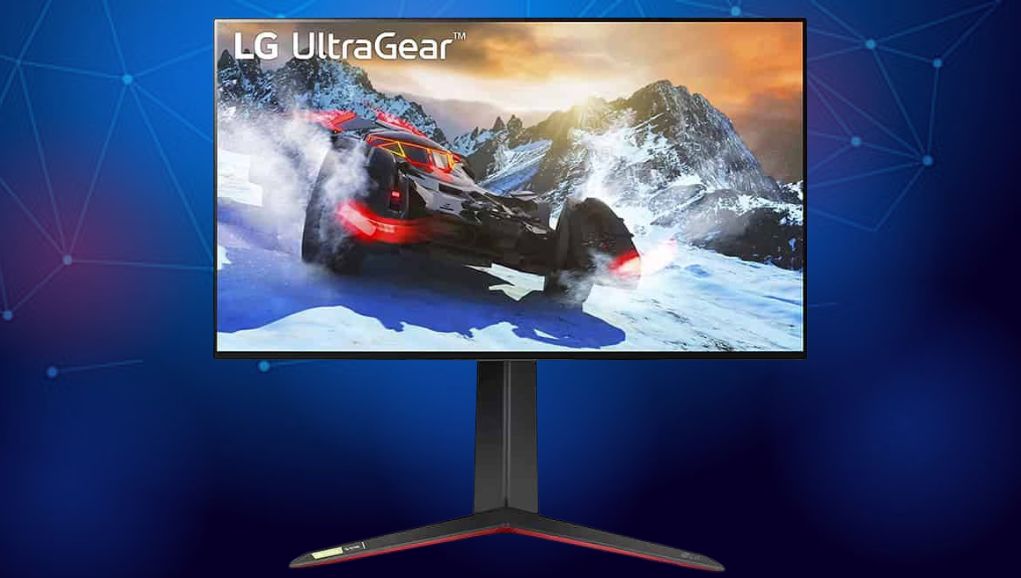
The LG 27GN950-B is a popular choice among 4K 144Hz monitors, offering a 27-inch Nano IPS display with a crisp 3840×2160 resolution. It features a fast 1 ms response time, vibrant color accuracy, and smooth high-fps performance. Connectivity includes DisplayPort 1.4 and HDMI ports, making it ideal for gaming, editing, and everyday multitasking across many setups while maintaining high brightness and stable performance.
Dell G3223Q
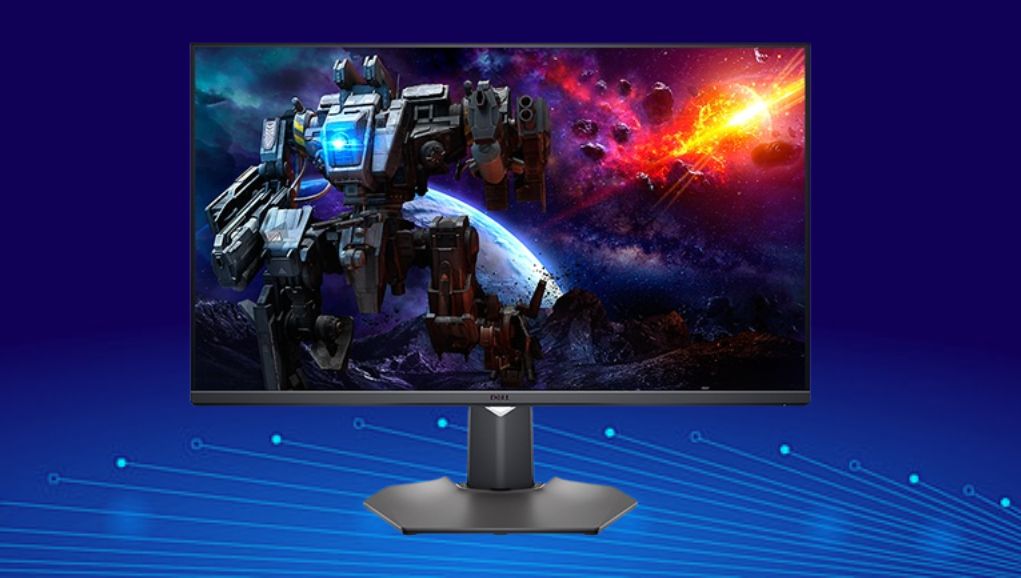
The Dell G3223Q stands out in the monitor market with its large 32-inch IPS screen and detailed 3840×2160 resolution. It delivers smooth motion, low input lag, and excellent color output for high-fps gaming. Connectivity options include HDMI 2.1 and DisplayPort, supporting modern devices. Its intense brightness, wide viewing angles, and reliable build quality make it a dependable choice for daily visual use.
Gigabyte M32U

The Gigabyte M32U is a well-rounded option among 4K 144Hz monitors, featuring a 31.5-inch IPS panel with a sharp 3840×2160 resolution. It offers a fast 1 ms response time, smooth adaptive Sync, and excellent color depth for gaming or editing. Its connectivity includes HDMI 2.1 and DisplayPort 1.4, as well as USB-C and USB ports. Intense brightness, solid contrast, and reliable performance enhance overall usability.
Itek GGF 28-inch
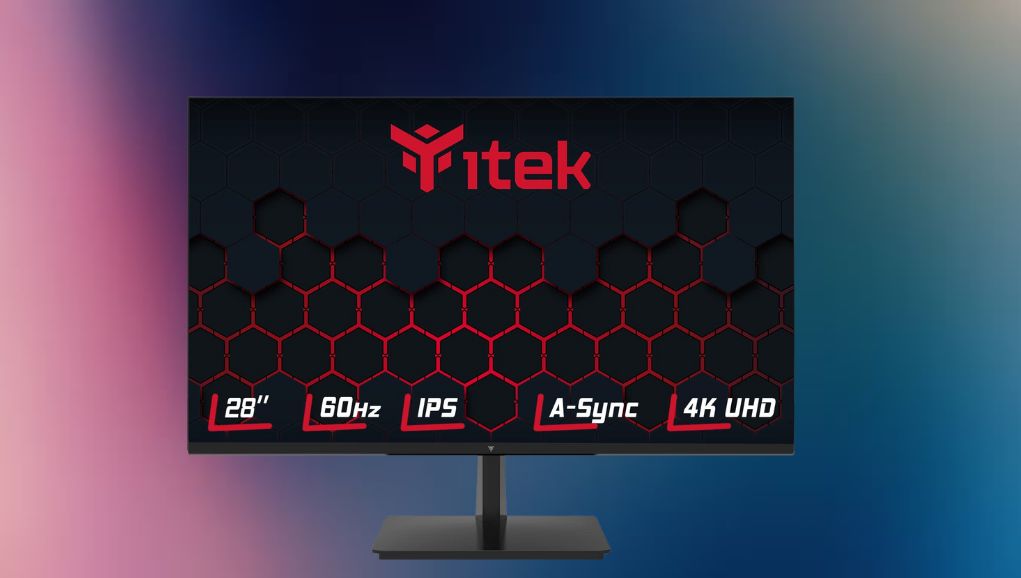
The Itek GGF 28-inch model adds significant value to the monitor category with its compact IPS panel and clear 3840×2160 resolution. It provides a 1 ms response time, adaptive Sync, and high-fps stability for gaming or work. Connectivity includes HDMI 2.1 and DisplayPort 1.4. Its bright screen, vivid colors, and smooth motion make it ideal for mixed tasks and entertainment.
OLED-Based 4K 144Hz Model

A modern OLED-based option within the world of 4K 144Hz monitors offers unmatched contrast, deep blacks, and a sharp 3840×2160 resolution. These screens often deliver a speedy 0.03 ms response time and smooth high-fps output. Connectivity typically includes HDMI 2.1 and DisplayPort. Excellent color accuracy, wide viewing angles, and fluid motion make such OLED models appealing for both gaming and professional creative and workflow applications.
Color Accuracy Benefits
- Many monitors feature enhanced color depth, wide color gamuts, and stable backlighting, which offer more accurate tones.
- These features make editing, design, and content creation more precise.
- Sharp pixel density helps display small details clearly, while intense brightness and contrast keep the image balanced.
- Users benefit from lifelike representation across photos, videos, and digital work without losing clarity or smooth gradients during movement.
- 4K 144Hz Monitors deliver ultra-sharp visuals, smooth high-frame performance, and immersive gaming experiences, combining clarity, speed, and advanced display technology.
Ideal for Next-Generation Consoles
Next-generation gaming consoles perform exceptionally well with monitors because their resolutions and refresh rates match their high-performance output. HDMI 2.1 ports allow consoles to deliver smooth high-fps visuals at 4K. Players enjoy sharper textures, reduced lag, and improved responsiveness when gaming. These monitors also support variable refresh features, preventing screen tearing and creating a stable, fluid console experience.
The Productivity Advantages
- 4K 144Hz monitors help productivity by offering more workspace, sharper text, and smoother scrolling across tasks.
- Their high resolution makes documents, web pages, and software interfaces easier to read.
- The fast refresh rate provides fluid motion when switching between windows or dragging items.
- Professionals appreciate this combination because it reduces strain, improves multitasking, and makes workflows more comfortable and efficient over long hours.
Connectivity Options
Modern monitors include advanced ports like HDMI 2.1, DisplayPort 1.4, and USB-C, allowing users to connect gaming systems, laptops, and powerful PCs. These connections support high frame rates, stable signals, and fast data transfer. Wider compatibility means less hassle when switching devices. Reliable connectivity ensures smooth 4K playback, stronger color processing, and consistent performance during gaming, editing, or daily multitasking across different setups.
Conclusion
4K 144Hz monitors have transformed both gaming and professional workflows, offering unmatched clarity, smooth motion, and accurate colors. Models like the LG 27GN950-B, Dell G3223Q, and OLED variants demonstrate how high resolution, fast response times, and modern connectivity improve performance and productivity. As technology advances, monitors remain essential for users seeking top-tier visuals, seamless high-fps experiences, and reliable, long-lasting display solutions for work and entertainment alike.
Want to know about A Complete Guide to Huawei Watch 2: Specs, User Experience, and Why It Still Competes in the Smartwatch Market? Check out our Tech category.
FAQs
They combine ultra-sharp 3840×2160 resolution with a 144Hz refresh rate, offering smoother motion, more precise details, and more responsive performance for gaming, editing, and everyday tasks.
Yes. Fast refresh rates and minimal input lag make these displays ideal for fast-paced games, providing fluid visuals and improved reaction times without sacrificing image quality.
Absolutely. High pixel density and accurate color reproduction help photo and video editors see details clearly, improving precision and workflow efficiency across multiple applications.
Most include HDMI 2.1 and DisplayPort 1.4, and sometimes USB-C, enabling smooth, high-resolution output and compatibility with PCs, laptops, and next-generation gaming consoles.