Getting Insight into the Dream Technology 144Hz Monitor
A 144Hz monitor delivers ultra-smooth visuals with a 144Hz refresh rate, fast response times of 1–5ms, and adaptive sync technologies like FreeSync or G-SYNC. These monitors often feature brightness levels of 300–400 nits and color accuracy exceeding 99% sRGB. With sizes like 24”, 27”, and 32”, they support HDMI 2.0, DisplayPort 1.4, and USB-C.
Whether using TN, IPS, or OLED panels, a 144Hz monitor ensures straightforward, fluid gameplay—especially when paired with GPUs like the RTX 4060. It’s ideal for fast-paced titles such as Valorant or Call of Duty, offering gamers sharper frames, fewer delays, and a real competitive advantage
| Basics | Details |
| Refresh Rate | 144Hz for smooth visuals |
| Response Time | 1–5ms quick transitions |
| Adaptive Sync | FreeSync / G-SYNC supported |
| Brightness | 300–400 nits range |
| Ports | HDMI 2.0, DisplayPort 1.4, USB-C |
| Color Accuracy | 99%+ sRGB coverage |
| Compared to 60Hz | Sharper, faster frame delivery |
| GPU Pairing | Ideal with RTX 4060 or better |
| TN Panels | 1ms, budget-friendly |
| IPS Panels | Vivid colors, ~4ms |
| VA Panels | Deep contrast, ~3000:1 ratio |
| OLED Panels | Instant response, true blacks |
| Game Compatibility | Best for FPS and eSports |
| Connection Needs | Requires DP 1.4 / HDMI 2.0+ |
| Sizes Available | 24 “, 27 “, 32”, up to 4K |
| Price Range | $140–$800+ based on features |
Core Features of a 144Hz Monitor
A 144Hz monitor typically includes:
- 144Hz refresh rate, offering smoother motion clarity in games and videos
- Response times between 1–5ms for fast on-screen transitions
- Adaptive sync, including AMD FreeSync or NVIDIA G-SYNC support
- Brightness levels of 300–400 nits for outdoor visibility
- Connectivity, such as HDMI 2.0, DisplayPort 1.4, and USB-C
- Color range, often covering 99% sRGB or higher for visual accuracy
Panel Types and Trade-Offs
TN Panels vs IPS Panels

TN (Twisted Nematic) panels are known for quick 1ms response times and affordability. These are commonly used in entry-level 144Hz. IPS (In-Plane Switching) panels offer better color accuracy and viewing angles, but usually come at a slightly higher cost and slower response times, averaging around 4ms. IPS displays are ideal for both gamers and professionals who need vibrant color output with consistent clarity across multiple angles.
VA and OLED Options
VA (Vertical Alignment) panels strike a balance between color depth and strong contrast ratios, often reaching a contrast ratio of 3000:1. Although they may have slightly slower response times, they are excellent for movie watching and mixed use. OLED panels—though rare in 144Hz monitors—offer nearly instant response times and perfect black levels. Brands like LG and Alienware produce high-end OLED 144Hz displays, but they’re priced significantly higher and may face screen burn-in over long-term use.
Gaming Performance Benefits
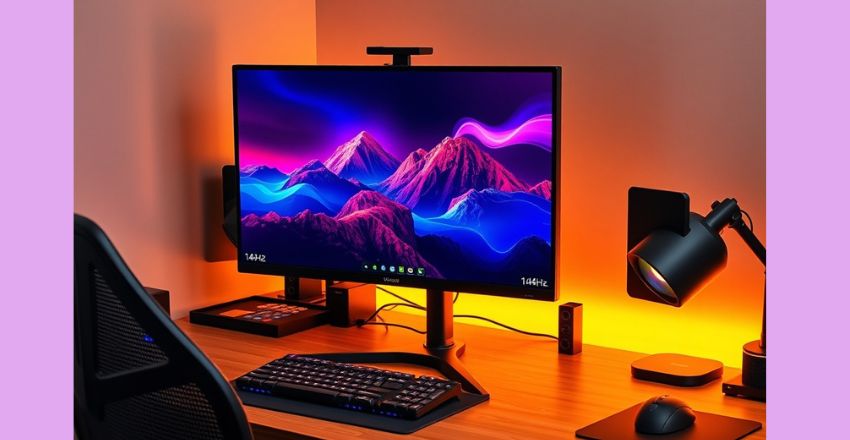
Gamers upgrading to a new monitor will notice significant improvements in responsiveness, particularly in games such as CS: GO, Valorant, Fortnite, and Call of Duty. The high refresh rate minimizes motion blur and screen tearing, enhancing tracking accuracy and reaction time. Pro gamers often rely on monitors with refresh rates of 144Hz or 240Hz for competitive play. Combined with GPUs capable of pushing 144+ FPS, a 144Hz display dramatically improves fluidity and competitive edge during gameplay.
Does Your System Support?
To take full advantage of a 144Hz monitor, your PC must support high frame rates and the correct output ports. Use DisplayPort 1.4 or HDMI 2.0 to unlock full 144Hz capabilities. Lower ports, such as HDMI 1.4, may restrict you to 60Hz. Additionally, GPUs like the NVIDIA GeForce GTX 1660 or AMD Radeon RX 6700 XT can deliver 144 FPS in many titles, allowing users to benefit from the monitor’s refresh rate fully.
Popular Sizes and Resolutions

144Hz monitors are available in popular sizes like 24”, 27”, and 32”, offering resolutions ranging from 1080p (Full HD) to 1440p (QHD), and even 4K. A 27” 1440p 144Hz display strikes a strong balance between sharp visuals and smooth gameplay. For budget-conscious gamers, 24” 1080p models are the preferred choice. Premium users may opt for 32” or ultra-wide displays from brands like Dell, MSI, and Samsung for an immersive experience that supports multitasking and gaming.
Setting Up
- Setting up a 144Hz monitor involves a few simple steps.
- First, ensure you’re using a compatible cable, such as DisplayPort 1.4 or HDMI 2.0.
- Once connected, go to your system’s display settings and manually select 144Hz as the refresh rate.
- Many monitors also come with onboard settings for brightness, color calibration, and overdrive adjustments.
- Download any manufacturer-specific software for better control and firmware updates to keep your monitor running efficiently with a large display and great experience.
Costs and Value Considerations
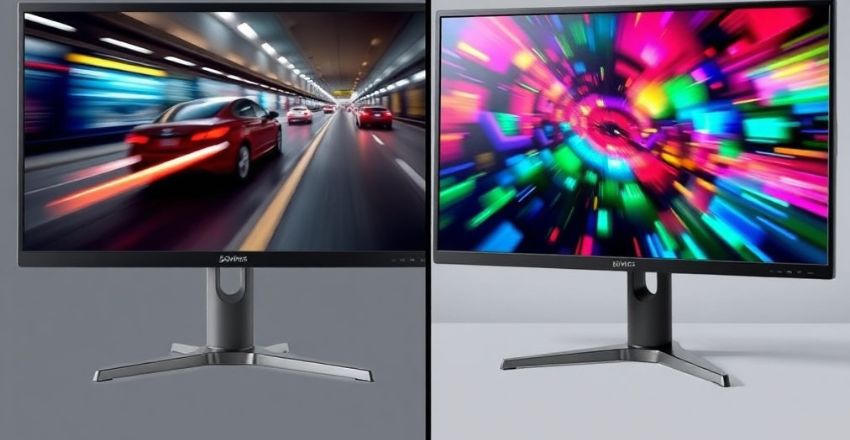
The cost of a 144Hz monitor depends on resolution, panel type, and features. Budget 1080p TN panel monitors can start around $140, while high-end 1440p IPS models with G-SYNC can exceed $500. OLED or ultra-wide versions are priced $800 and above. For most users, mid-range monitors offer the best balance of performance and value. Always check color accuracy, input lag, sync support, and refresh consistency when deciding on a purchase.
Conclusion
A 144Hz monitor significantly enhances visual smoothness and responsiveness, making it a top choice for both gamers and professionals. With fast response times, adaptive sync technology, and vivid color accuracy, these monitors deliver clear, fluid images even during intense action. Compatible with modern GPUs and various panel types, they suit different needs and budgets. Investing in a 144Hz monitor ensures better performance, reduced motion blur, and an overall improved viewing experience for gaming and everyday use.
Want to know about Motorola Edge 50 Neo Explained: Specs, Camera, Battery Life, Features, Performance, Price, and Everything You Need to Know Before Buying Check out our Tech category.
FAQs
It offers faster frame rates and lower input lag, allowing gamers to see fluid motion and react more quickly, especially in competitive games like FPS and esports titles.
Yes, to fully benefit from 144Hz, a capable graphics card like NVIDIA RTX 4060 or AMD RX 6700 XT is recommended for high frame rates in games.
TN panels offer fast 1ms response times and affordability, while IPS panels provide better color reproduction and wider viewing angles, albeit with slightly slower response times of around 4ms.